KOHARU / THE WARDROBE
She has more than one suit
Fifteen outfits, the same long day. Whatever she wears, the context still wears her down through seven tiers, and pajamas still mean it's time to compact.
Pick one in Settings → Wardrobe, or right click her. Seasonal is on by default: a witch all October, Christmas in December, the office suit the rest of the year.
Download for MacFree. Version 0.2.0, macOS 14 or later.
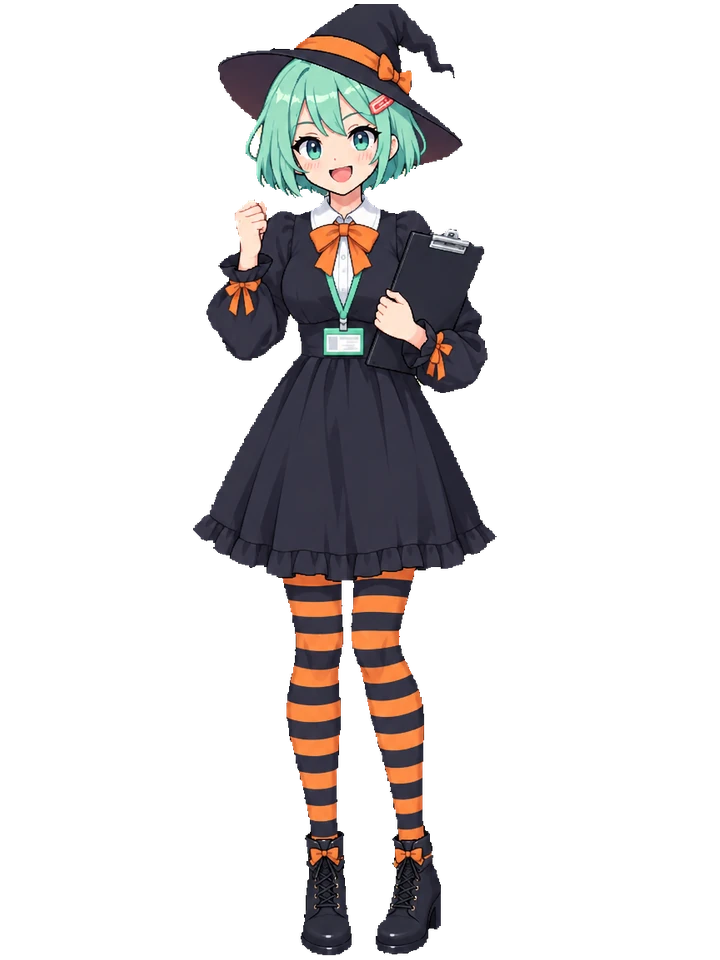
Every way to clock in
Tier zero of each one, suit pressed and clipboard ready. Hat, cloak, gloves or haori come off at 45%. Shoes at 60%.
-
Halloween witch
Seasonal, every October. The hat comes off first.
-

Christmas
Seasonal, every December. Reindeer pajamas at bedtime.
-
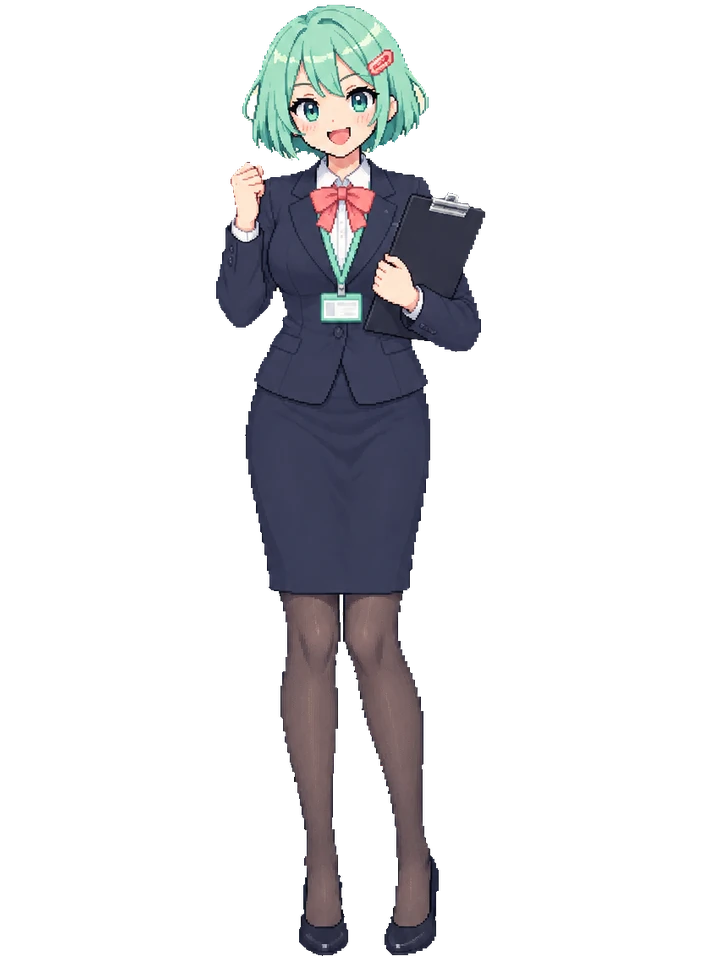
Office
Her everyday. Navy suit, coral ribbon, lanyard.
-

Plugsuit pilot
Shoulder guards off at 45%, hair clips out at 60%.
-

Magical girl
Gloves and tiara off, then the boots.
-
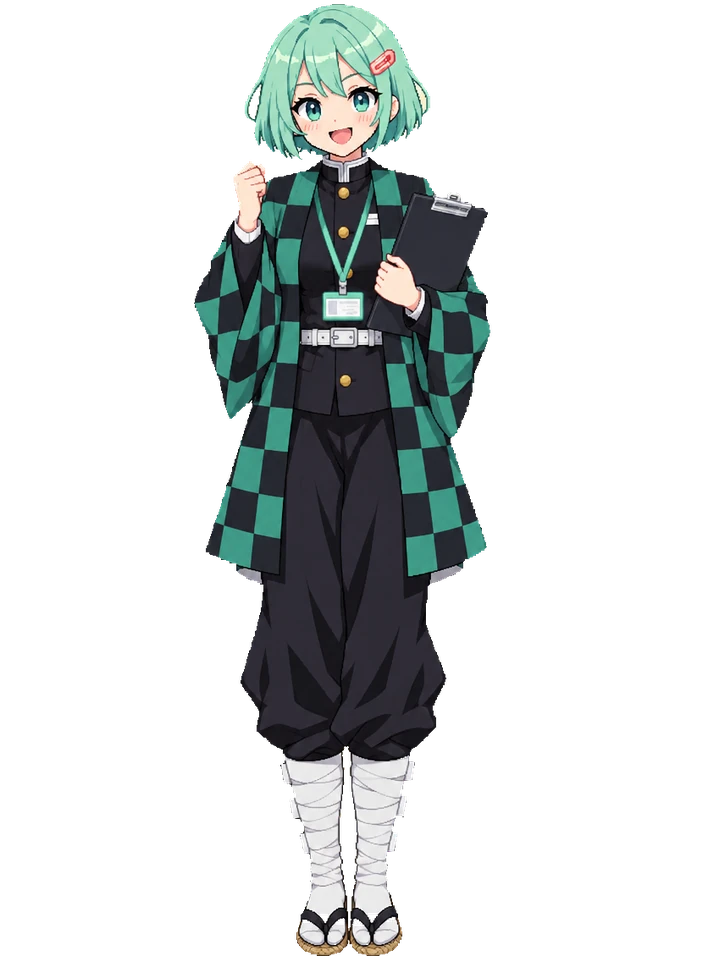
Slayer corps
The checkered haori comes off. Tabi socks by 60%.
-
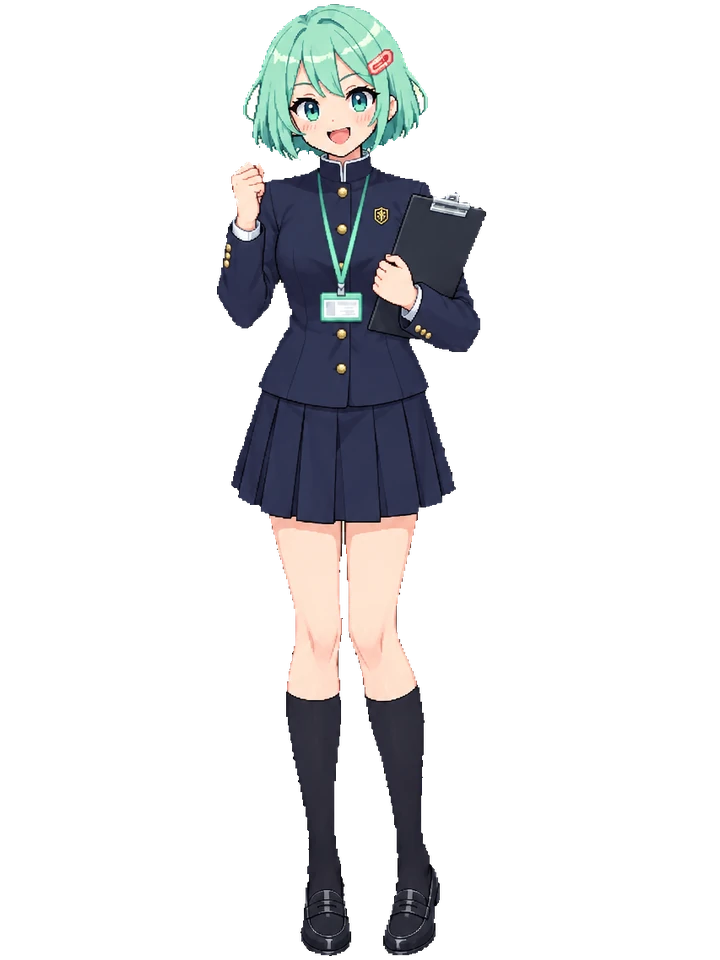
Sorcery school
The high collar jacket over one arm by 45%.
-

Ninja
Headband off at 45%. Frog slippers at bedtime.
-

Pirate
Straw hat over one arm, sandals dangling.
-
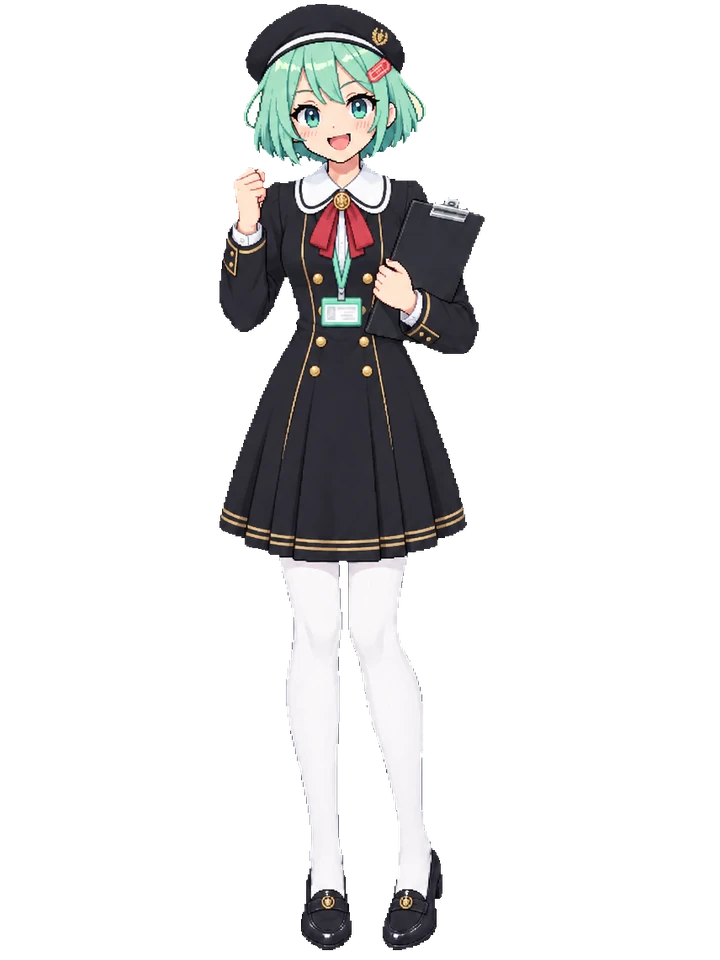
Academy
Beret off first. Peanut pajamas at bedtime.
-
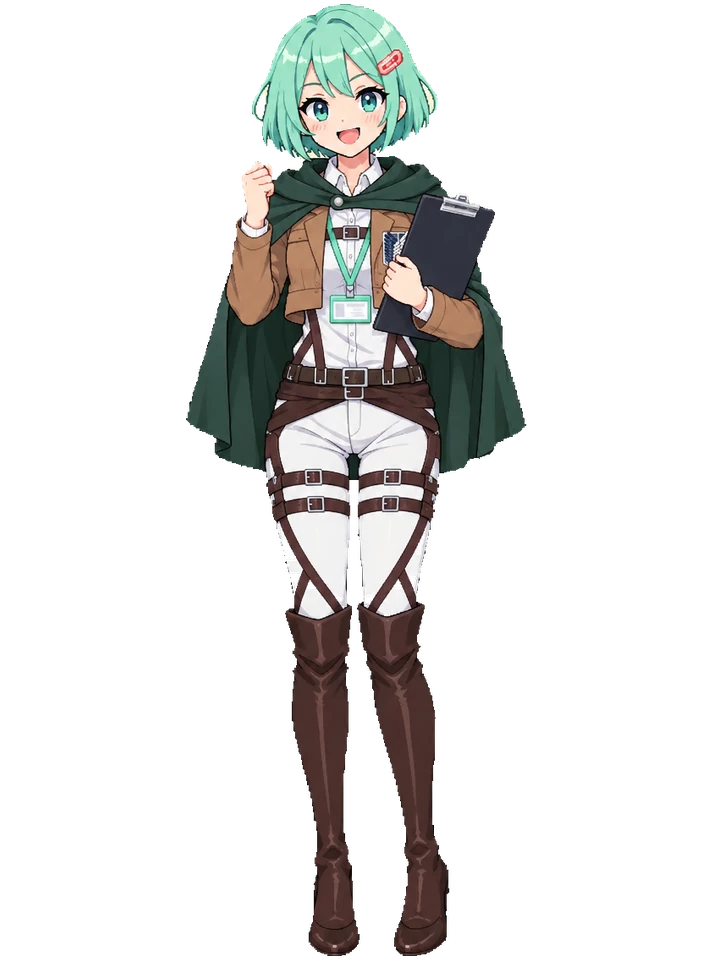
Scout regiment
Cloak off at 45%, tall boots in hand at 60%.
-

Martial artist
The gi top folded over one arm. Star ball pajamas.
-

Hero academy
Gloves and belt off, then the red boots.
-
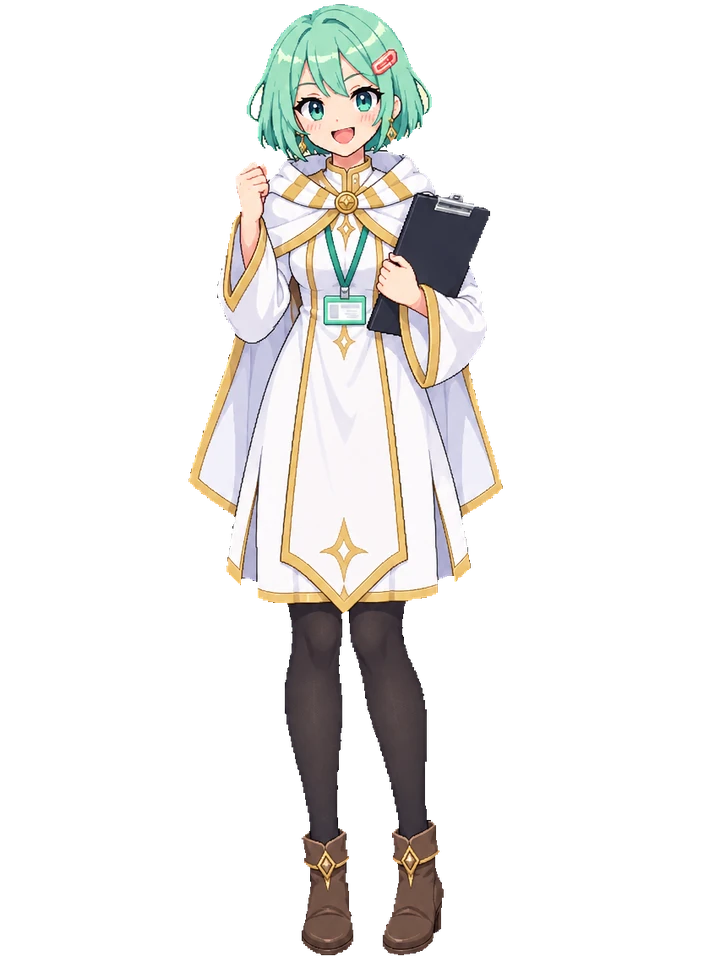
Elf mage
The cape comes off. Gold star pajamas at bedtime.
-

Seifuku
Cardigan off at 45%, loafers in hand at 60%.
ONE APP, FIFTEEN OUTFITS
Dress her for the day
Every outfit ships inside the app. Nothing to buy, nothing to unlock.
Download for MacVersion 0.2.0 for macOS 14 or later, Apple silicon and Intel. Signed and notarized by Apple.
Download Koharu
Open the download and drag Koharu to Applications.
Right click her
Outfit is in the menu, next to Size. Or open Settings and pick from the wardrobe.
Or leave it to Seasonal
She dresses for October and December on her own and goes back to the suit in January.